Self-hosting a homelab
A look into my humble homelab

In this post, I wanted write about my history tinkering with self-hosting, what sort of equipment I'm using, and give a bit of an overview as to what exactly I am using my homelab for!
Some history
I've been tinkering with self-hosting for several years now; I bought a Raspberry Pi 4 in mid-2020 that I tinkered with relentlessly. I used the Pi to build a rudimentary NAS for myself, using a few extra SSDs I had lying around and some external 2.5" SATA to USB enclosures. It's hard to overstate how much this taught me, from the basics of navigating a Linux computer via SSH (hell, even configuring SSH!), to setting up Samba connections, and configuring the machine's fstab file to mount storage on boot. I dabbled in Docker. I configured local web servers. I installed Pi-hole to block ads. I pushed the Pi to the limit trying to run Plex. I learnt why the Pi couldn't handle 4K video transcoding. It was all an incredible learning experience.
Over the last few years, I've continued to experiment and try out new things, and ultimately have tried to streamline my setup and increase the reliability of my services. I bought a Synology NAS with a 4TB HDD to store videos, my WIP game development projects, and other bits and pieces.
After upgrading my PC a few years ago, I was left with a very powerful rig that was just sitting there. Rather than let it go to waste, I decided I'd try and put it to good use. I decided to take the plunge into learning Proxmox.
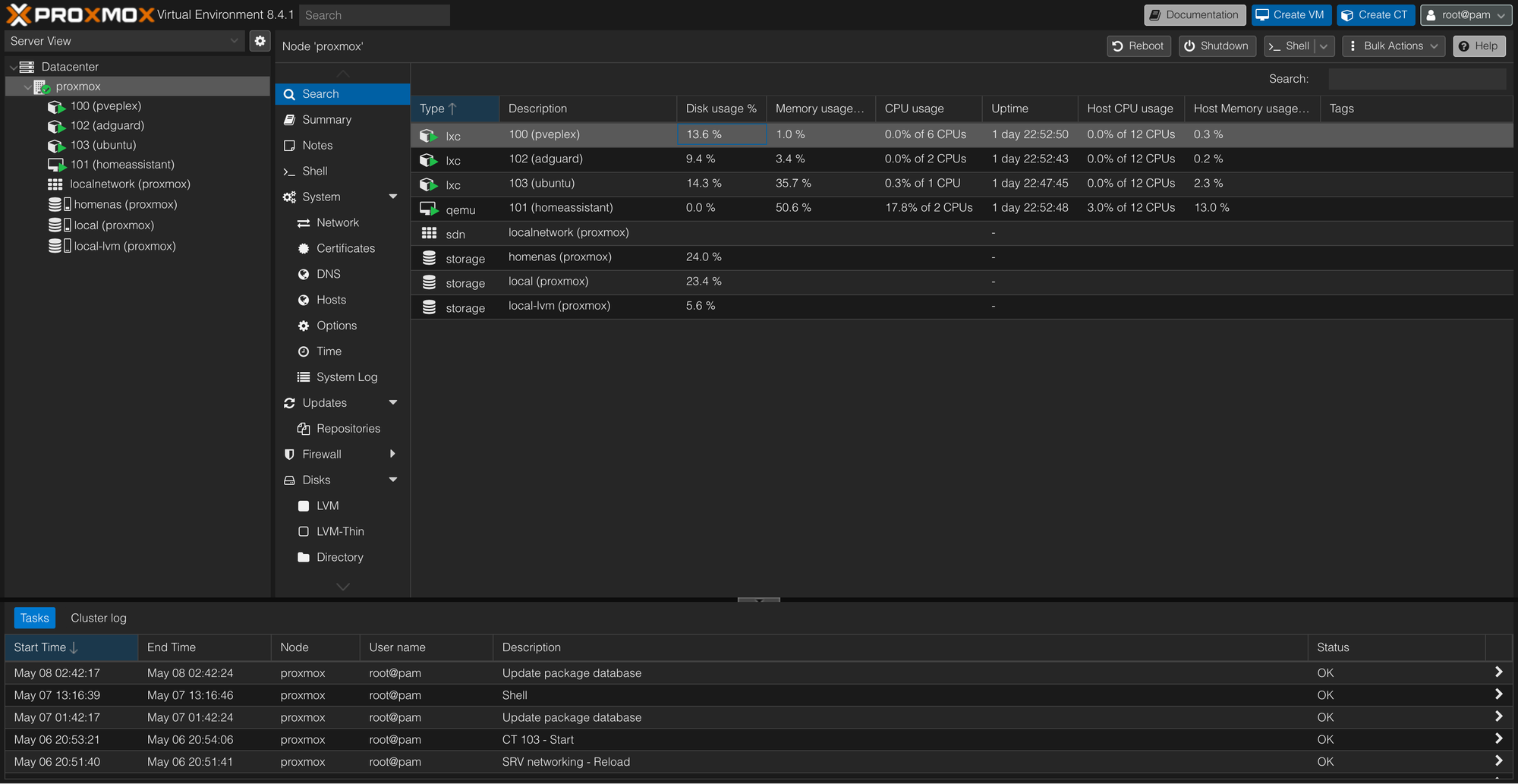
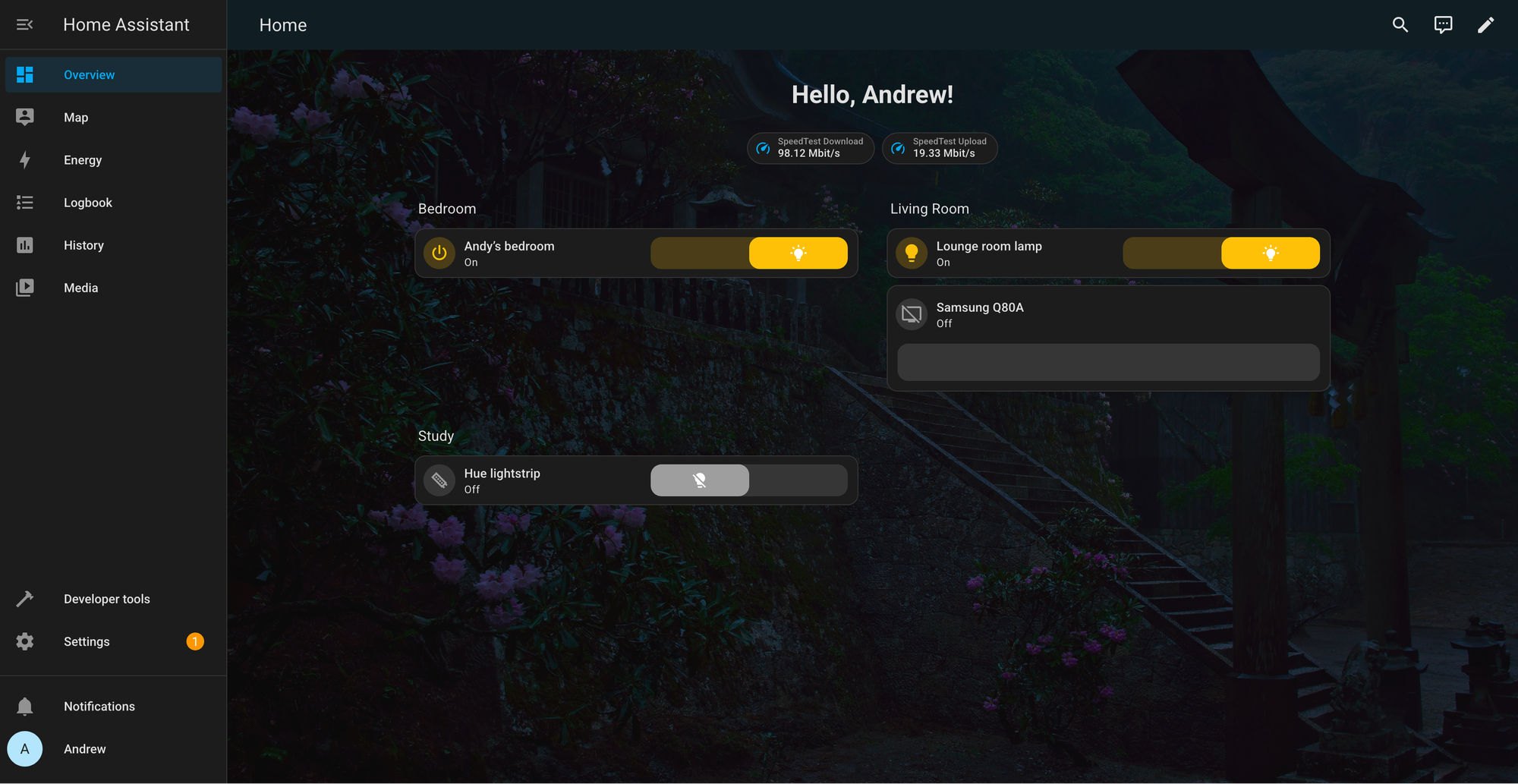
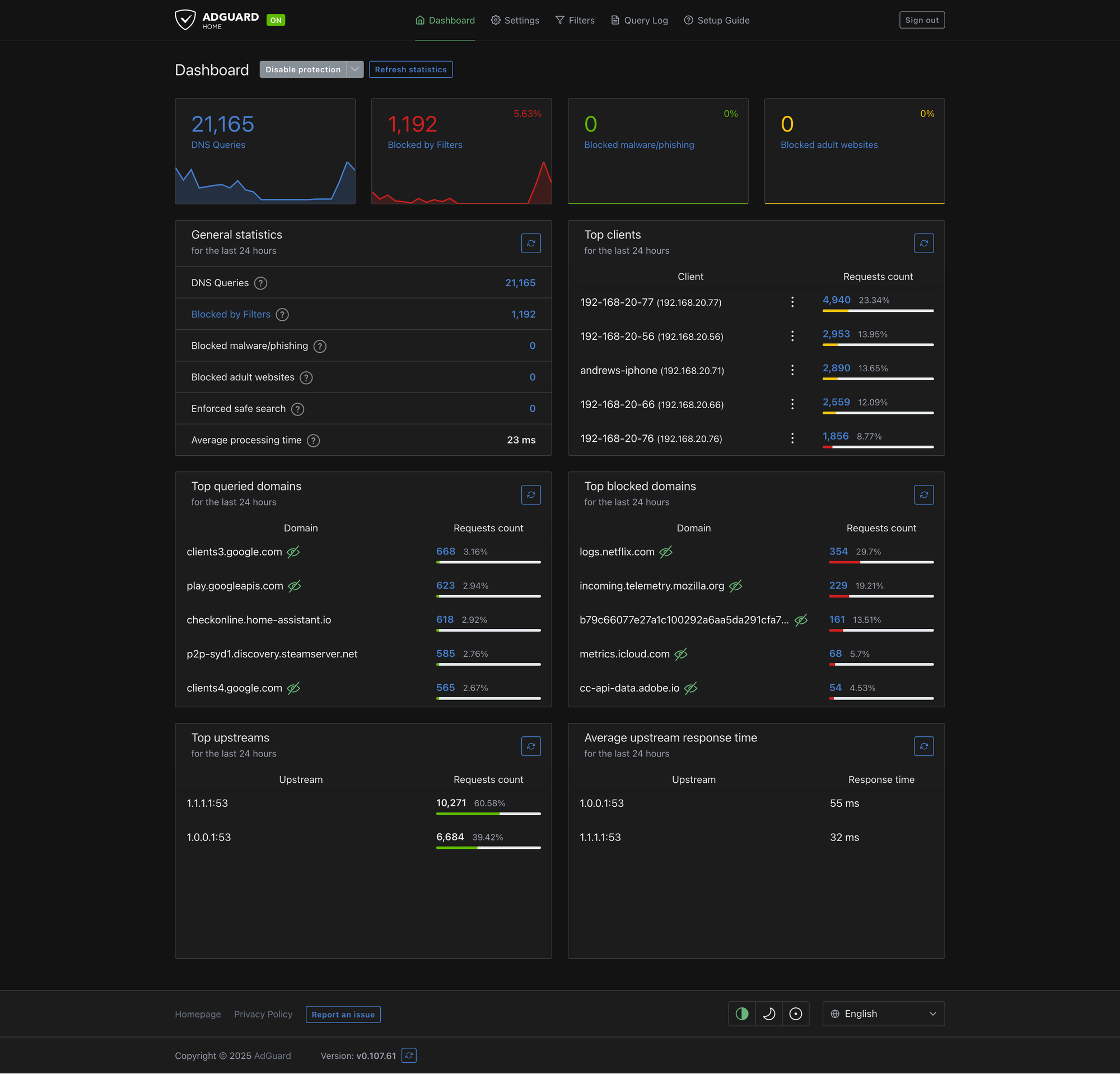
This opened up a whole new world for me! I spun up all kinds of VMs and hosted all kinds of services. I learned how to schedule backups, using my NAS as a data store for ISO files and backups of my VMs. I learned about LXCs and decided to ditch Pi-hole for AdGuard Home, hosted in a Debian LXC. I installed Home Assistant and began to dabble with turning my home into the most basic of "smart homes" (it sounds more advanced than it really is; in reality, I have a few Philips Hue lights I can turn on and off using my phone)
Earlier this year, I moved out of my parents house, and am now living in an apartment I purchased. Exciting times!
When setting up my LAN in my new apartment, I found that my TP-Link BE9300 Wi-Fi 7 Router was too large to fit in the cupboard where my WAN connection terminated. Unfortunately, there was nowhere nearby I could place the router without drilling holes or having cables hanging out of the cupboard doors above my fridge. This meant I was unable to utilise any of the ethernet patch ports in said cupboard. Me being me, this was totally unacceptable! I proceeded to spend hours looking for a solution to my incredibly niche problem.
The solution came in the form of a Mikrotik hEX Refresh E50UG. An edge router that was able to take my WAN connection and route it to all my local ethernet ports in my apartment. I'll be the first one to admit, this little workhorse is way overkill for my use-case. This thing could power a small-medium business, capable of configuring firewall rules and VLANs, running it's own DNS and DHCP servers - it even has it's own VPN that can be configured! All for only around $100 AUD. What an absolute steal!
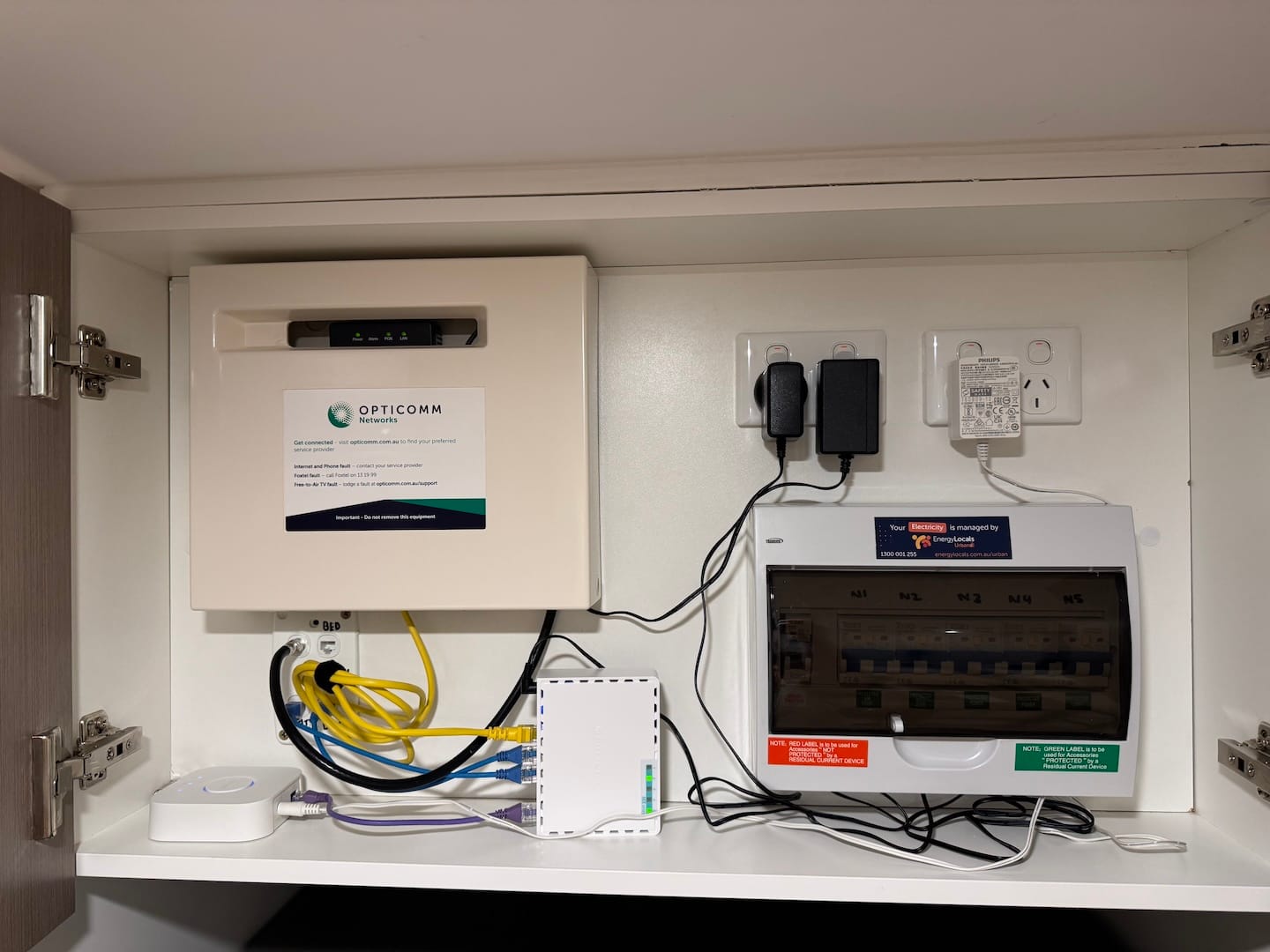
I relegated my TP-Link Wi-Fi 7 Router to act as a WAP.
My latest endeavour has been learning to configure and host the very blog you're reading this on. With the help of a Cloudflare Tunnel, I've been able to (hopefully) securely host this blog on my very own local hardware, saving myself a few bucks a month in hosting fees.
Hardware
Router
- Mikrotik hEX Refresh E50UG
Wireless
- TP-Link BE9300 Wi-Fi 7 Router
Network Attached Storage (NAS)
- Synology DS218 (2 Bay)
- 2 x Seagate 4TB drives (running in RAID1)
Server
For my server, I have repurposed my old gaming PC. I am aware this probably isn't the most power-efficient rig, but I think it probably still works out cheaper running this 24/7 for a couple of years, as opposed to spending several hundred dollars on a new set of hardware.
- CPU: Intel i7 8700k
- RAM: G.Skill Trident Z 32 GB (4 x 8 GB) DDR4-3200
- Storage: Samsung QVO 1TB SSD
- PSU: Corsair 750W PSU
- Network: TP-Link TX201 2.5Gbps network card (turns out, unnecessary as the Mikrotik router only features gigabit capable ports... oh well, it only cost me $30...)
Services
I'm currently hosting a few services on my Proxmox server.
Virtual Machines
- Home Assistant: This lets me control my Philips Hue smart lights and my Samsung TV. I need to experiment with this a bit more, to start automating turning my lights on and off per a schedule. It's nice to come home to the lights on, but without wasting power having them on all day!
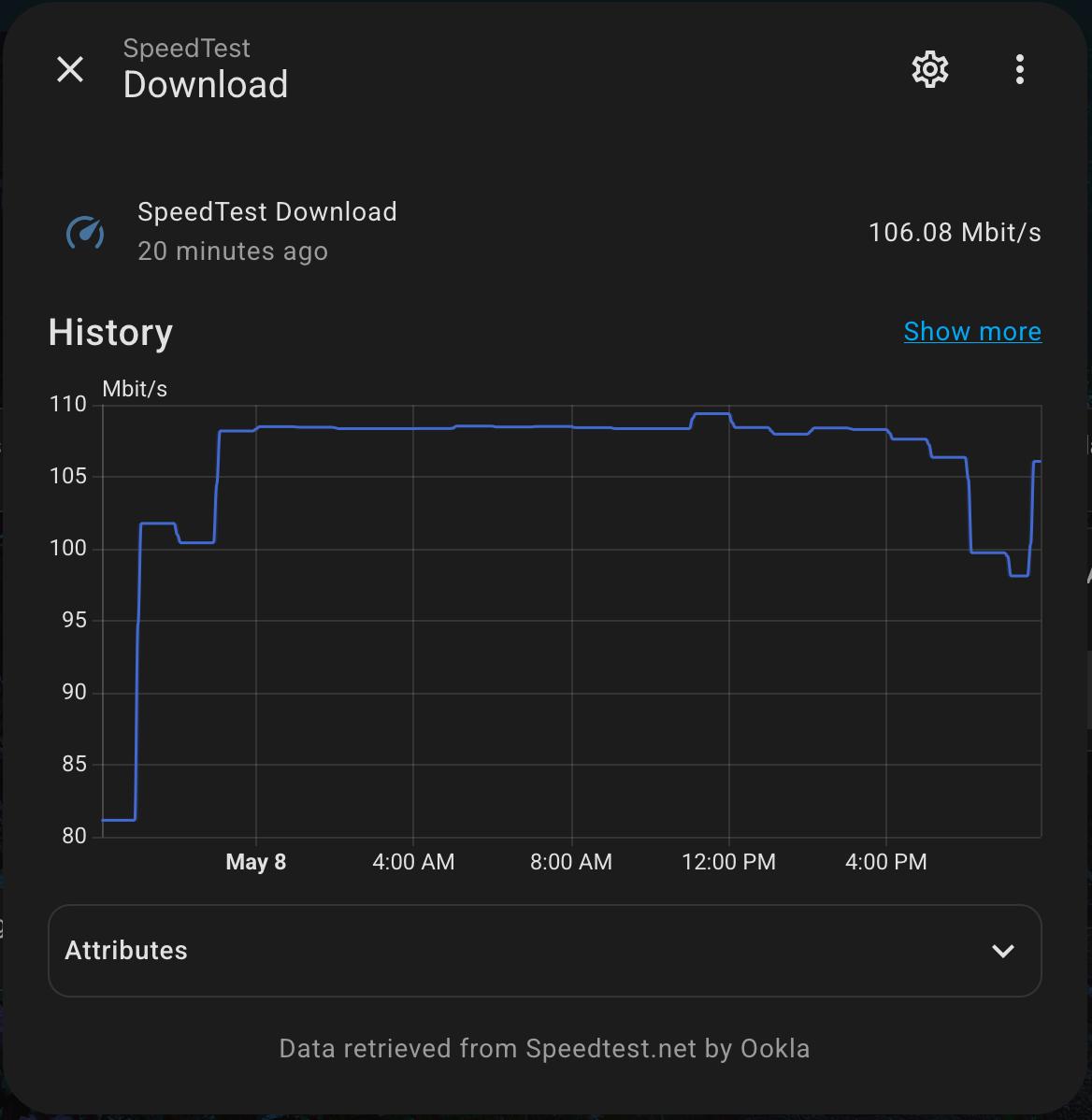
I also have an integration that runs a speed test to track my internet speed over the course of days/weeks/months.
LXCs
- AdGuard Home: this acts as my DHCP and DNS server, blocking ads and tracking requests on my LAN.
- Plex: this is a local media server to watch legally obtained movies and TV shows stored on my Synology NAS.
- Ubuntu: I'm running Ubuntu as an LXC to host a couple of small Docker containers.
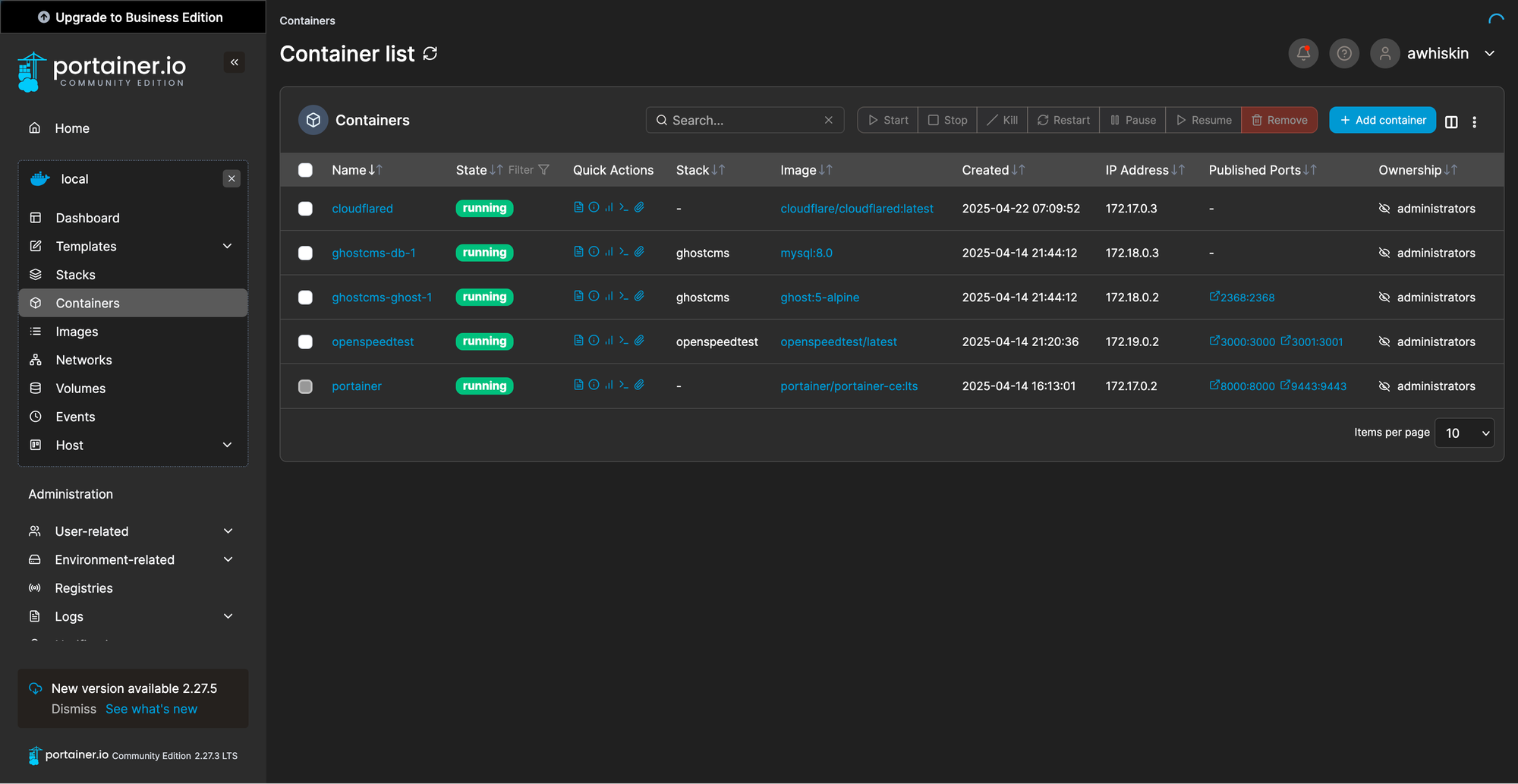
- Portainer: a simple and easy to use GUI to manage my Docker containers.
- Ghost CMS: this very blog you're reading this post on right now! Ghost is a fully-featured CMS, which is pretty far beyond my requirements, but it's easy to use and looks nice! What else do I need?
- Cloudflared: a Cloudflare tunnel that allows me to proxy traffic and securely serve my local Ghost server over the web.
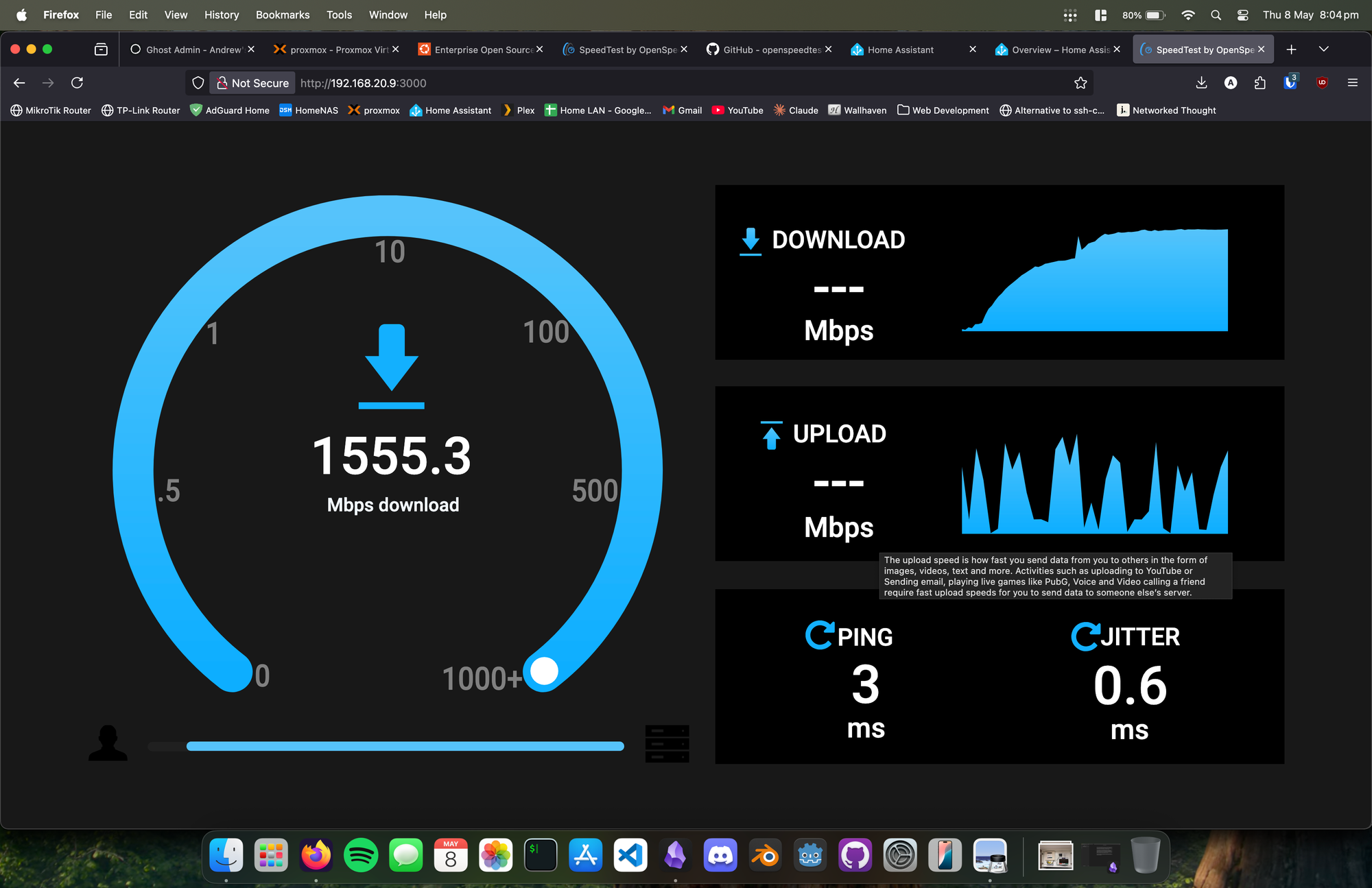
- SpeedTest by OpenSpeedTest: a simple and easy way for me to perform a speed test within my own LAN. Bigger number = more happy.
Summary
Well, that about wraps it up! Thanks for reading, and I hope you found my post about my humble homelab interesting!
Cheers,
Andrew